SEO · 8 min read ·
Local SEO in Bangladesh: how to rank on Google Maps in 2026 (step-by-step)
A step-by-step guide to local SEO for businesses in Bangladesh: Google Business Profile, reviews, photos, NAP consistency, local keywords and tracking.
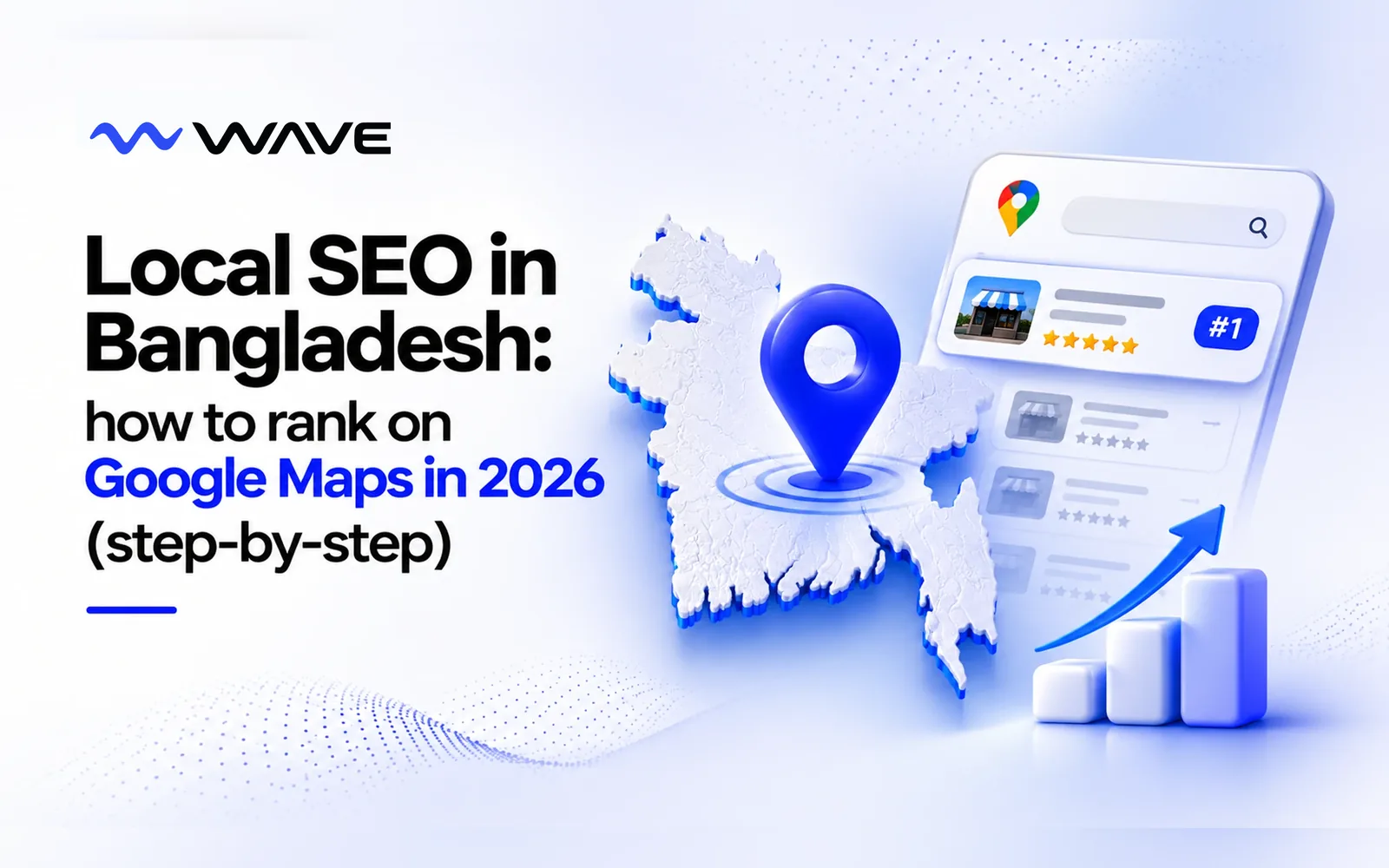
When someone in Dhaka searches “best biryani near me”, “dentist in Uttara” or “Honda showroom Mirpur”, Google shows a map with three businesses at the top. Those three get most of the calls, direction requests and visits. Everyone else is a scroll away.
Getting into that top three is called local SEO. For restaurants, clinics, salons, gyms, shops, showrooms and service businesses in Bangladesh, it’s one of the most valuable and most underused ways to win new customers, because the people searching are ready to buy right now.
Quick answer: to rank on Google Maps in Bangladesh, verify your Google Business Profile, choose the most specific category, complete every section, keep your name, address and phone number identical everywhere, collect and reply to reviews, add fresh photos and weekly posts, and support it with a fast website. Expect early gains in weeks and top-three rankings in three to six months.
This guide explains how local SEO works and gives you a step-by-step plan to rank higher on Google Maps.
How Google decides who ranks on Maps
Google ranks local businesses on three main factors:
| Factor | What it means | What you can do |
|---|---|---|
| Relevance | How well your listing matches the search | Right categories, services, products and description |
| Distance | How close you are to the person searching | Accurate address and service area |
| Prominence | How well known and trusted you are | Reviews, photos, activity, website and mentions online |
You can’t move your shop closer to every customer, but you can control relevance and prominence. That’s where local SEO comes in.
Step 1: Claim and verify your Google Business Profile
Your Google Business Profile (formerly Google My Business) is the listing that appears on Maps and in local search. It’s free.
- Search for your business on Google Maps. If it already exists, claim it. If not, create it at business.google.com.
- Enter your exact business name, address, phone number and category.
- Verify ownership. Google usually asks for a short video of your premises, or sends a code by phone, text or email, depending on your business.
Without a verified profile, you can’t appear properly in the map results or manage what people see.
Step 2: Complete every section
Incomplete profiles rank lower and convert worse. Fill in everything:
- Business name: your real name, exactly as on your signboard. Don’t stuff keywords; it can get your listing suspended.
- Primary category: the most specific one, like “Biryani restaurant” rather than just “Restaurant”.
- Secondary categories: other things you genuinely offer.
- Description: what you do, who you serve and where, in natural language.
- Hours: including special hours for Ramadan, Eid and public holidays.
- Services or menu: with short descriptions and prices where possible.
- Products: your best-sellers with photos.
- Attributes: parking, delivery, takeaway, wheelchair access and similar.
- Booking, order or WhatsApp links, so people can act straight from Google.
Our Google Business Profile checklist walks through every item.
Step 3: Keep your business details consistent everywhere
Google cross-checks your name, address and phone number (often called NAP) across the web. Small differences, like “Road 27” on Google and “Rd-27” on Facebook, or an old phone number on a directory, weaken trust.
Make sure your details match exactly on:
- Google Business Profile
- Your website
- Facebook and Instagram
- Local directories and listing sites
- Food delivery apps, booking platforms and marketplaces
Pick one format and use it everywhere.
Step 4: Get more reviews, and reply to all of them
Reviews are one of the strongest local ranking factors and the first thing customers read. A business with 300 reviews at 4.6 stars almost always beats one with 12 reviews at 5.0.
How to get more reviews:
- Ask in person at the moment customers are happiest: after a great meal, a finished treatment or a delivery.
- Make it easy with a short review link or QR code at the counter, on receipts, table tents and packaging.
- Add the link to your Messenger saved replies and WhatsApp follow-ups.
- Train your staff to ask every satisfied customer.
How to reply:
- Thank people by name for positive reviews and mention what they enjoyed.
- Reply calmly and helpfully to negative reviews, and offer to fix the problem.
- Reply within a few days. Future customers read your replies as much as the reviews.
Never buy fake reviews or offer rewards in exchange for positive ones. It breaks Google’s rules and can get reviews removed or your listing suspended.
Step 5: Add real photos and videos regularly
Profiles with plenty of recent photos get more calls, direction requests and website clicks.
- Exterior photos so people recognise your shop from the street.
- Interior photos that show the atmosphere.
- Products, dishes and finished work.
- Your team at work.
- Short videos of the space or the process.
Upload new photos every week or two. Real photos always beat stock images.
Step 6: Post updates every week
Google Business Profile lets you publish posts, offers and events, much like social media. Regular posts show Google your business is active and give customers a reason to choose you.
Post about:
- New products, dishes or services
- Offers and festival deals
- Events and launches
- Seasonal reminders, like Ramadan iftar menus or Eid hours
One to two posts a week is enough for most businesses.
Step 7: Use local keywords naturally
Think about how your customers actually search. In Bangladesh that usually means a service plus an area:
- “Chinese restaurant in Dhanmondi”
- “Dental clinic Uttara Sector 7”
- “Gym in Mirpur for women”
- “Bike showroom near Monipur”
Many people also search in Bangla or mix both languages. Use these phrases naturally in your profile description, services, posts, review replies and website. Don’t stuff them in; write for people first.
Step 8: Build a website that supports your listing
You can rank on Maps without a website, but a good website makes your listing stronger and helps you appear in normal Google results too. If you need one, see our website design service.
- A clear homepage with your name, address, phone and map.
- Service pages for each main thing you offer.
- Location pages if you have several branches, each with its own address, hours and photos.
- Helpful articles that answer customers’ common questions. This is what SEO content is for.
- Fast loading on mobile, because most local searches happen on phones.
- Your Google profile linked to the most relevant page.
Step 9: Get mentioned on other local websites
Links and mentions from other trusted sites increase your prominence:
- Local news and food or lifestyle blogs
- Industry associations and chambers of commerce
- Supplier and partner websites
- Event sponsorships and community activities
- Respected local directories
Quality matters more than quantity. One mention on a well-known local site is worth more than dozens of low-quality directory listings.
Step 10: Track your results
Google Business Profile shows you how people find and interact with your listing. Check monthly:
| Metric | What it tells you |
|---|---|
| Searches and views | How often you appear |
| Search terms | What people type to find you |
| Calls | Direct enquiries from Google |
| Direction requests | People planning to visit |
| Website clicks | Interest in learning more |
| Messages and bookings | Ready-to-buy customers |
You can also search your main keywords from different areas of the city to see where you rank, and ask new customers how they found you.
Local SEO for multi-branch businesses
If you have more than one location:
- Create a separate Google Business Profile for each branch, with its own address, phone number, hours and photos.
- Build a dedicated page on your website for each location.
- Collect reviews for each branch separately.
- Post branch-specific offers and updates.
Never create profiles for locations where you don’t have a real, staffed presence. Google removes them and may penalise your other listings.
Common local SEO mistakes
- Adding keywords to your business name.
- Choosing a vague primary category.
- Different phone numbers or addresses on different sites.
- Ignoring reviews, especially negative ones.
- Not updating hours for Ramadan, Eid and holidays.
- Uploading a few photos once and never again.
- Creating duplicate listings for the same location.
How long does it take?
Completing your profile and fixing your details can improve visibility within a few weeks. Climbing into the top three for competitive searches usually takes three to six months of steady reviews, photos, posts and website work. Local SEO compounds: the work you do this month keeps paying back for years.
Let us handle it
Google Maps profile management is included in every WAVE monthly package: setup and optimisation, fresh photos, posts and offers, review replies and monthly reporting. Our Growth and Scale packages add SEO articles that help your website rank too. Learn more about our Google Business Profile service.
The bottom line
Local SEO puts your business in front of people who are searching for what you sell, near you, right now. Claim and complete your Google Business Profile, keep your details consistent, collect and reply to reviews, add fresh photos and posts, use local keywords naturally and support it all with a good website.
Want to know where you rank today? Book a free strategy call and we’ll check your Google Maps visibility against your top competitors.
Frequently asked questions
What is local SEO?
Local SEO is the work of helping your business appear when people nearby search on Google or Google Maps, for example “restaurant near me” or “dental clinic in Dhanmondi”. It focuses on your Google Business Profile, reviews, local keywords and consistent business information.
How long does local SEO take to work in Bangladesh?
Simple fixes like completing your Google Business Profile can improve visibility within a few weeks. Ranking in the top three map results for competitive searches usually takes three to six months of steady work.
Is Google Business Profile free?
Yes. Creating and managing a Google Business Profile is free. You only pay if you choose to run Google Ads or hire someone to manage the profile for you.
How do I get more Google reviews?
Ask happy customers directly, at the right moment, and make it easy with a short review link or QR code at the counter, on receipts and in Messenger replies. Reply to every review, good or bad.
Do I need a website for local SEO?
You can rank on Google Maps without a website, but a website with location pages, service pages and helpful articles strengthens your rankings and helps you appear in normal Google results too.